Find the sound for the scene.
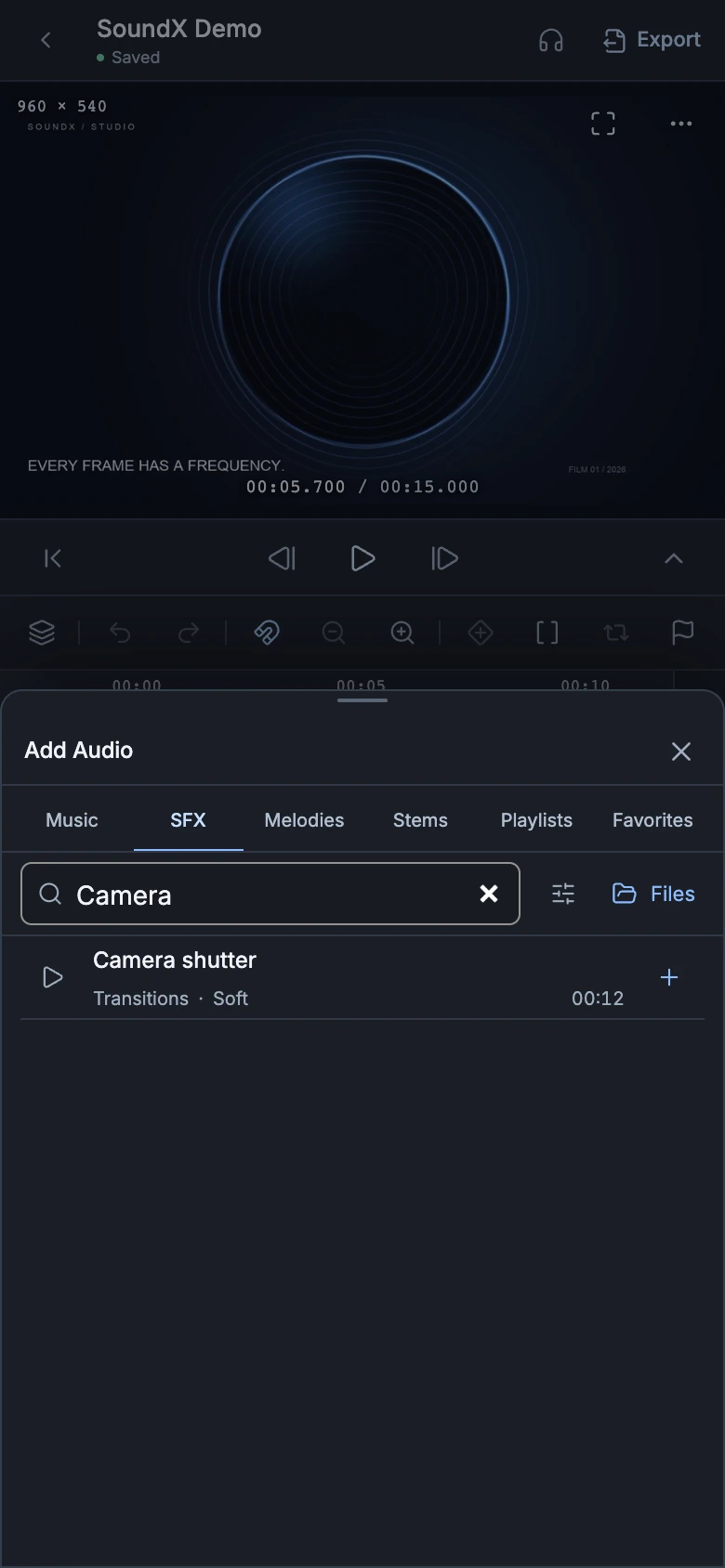
Search effects, music or stems inside Studio. Audition a camera shutter and add it where it belongs on the timeline.
SoundX for Android
Find the right sound, arrange it on a multitrack timeline and mix it to picture. SoundX Studio puts the whole workflow on your phone.
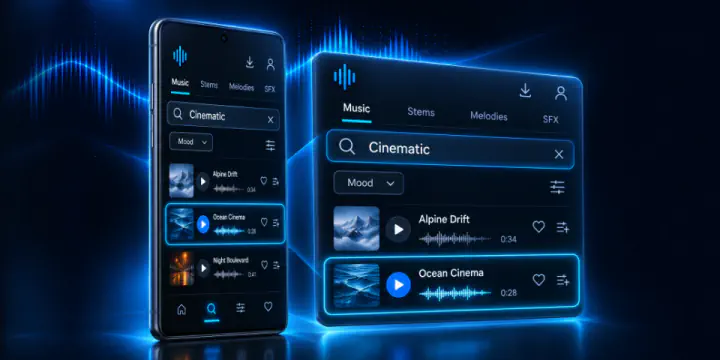
Search and filter music, stems, melodies and sound effects.
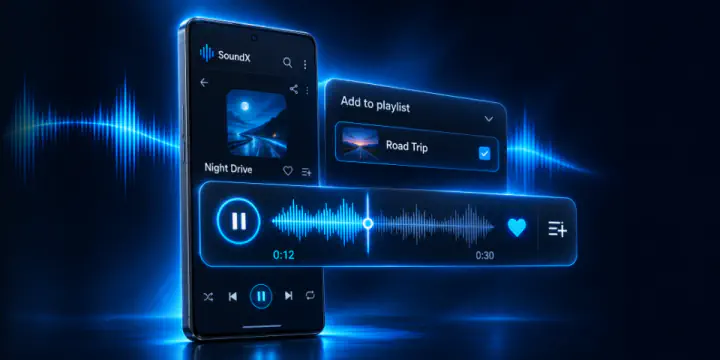
Preview from the waveform and add the sound to a playlist.
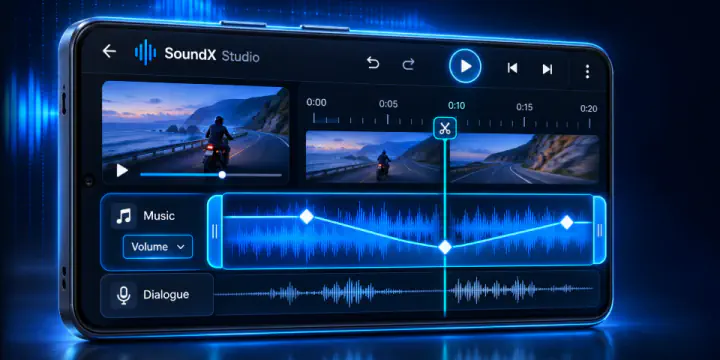
Trim clips and adjust their volume with keyframes.
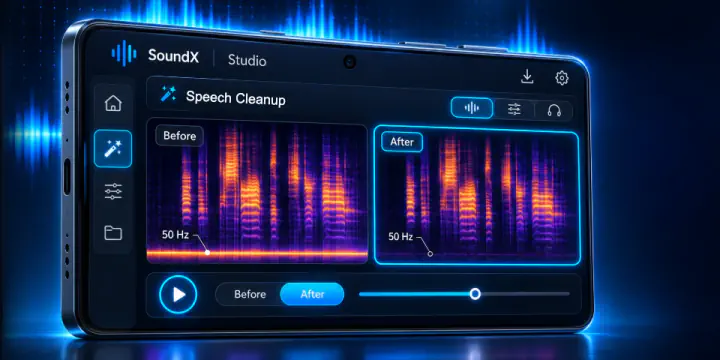
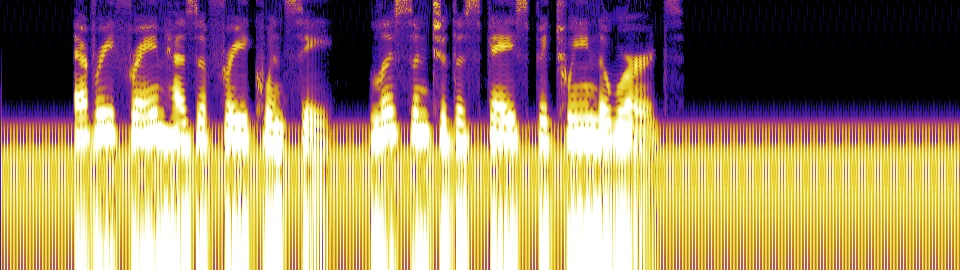
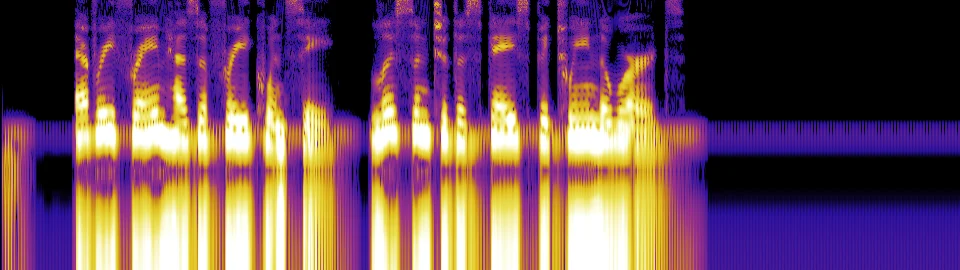
Compare the before and after in the spectrogram.
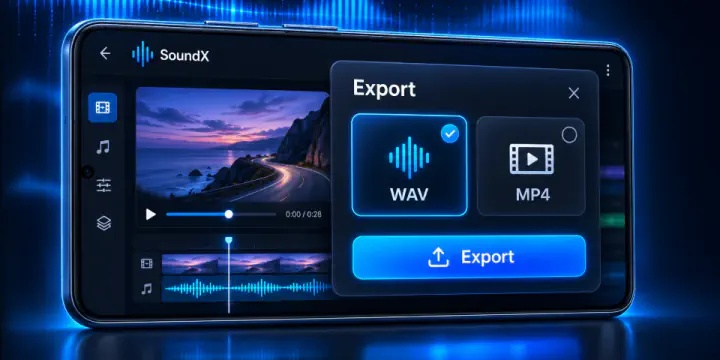
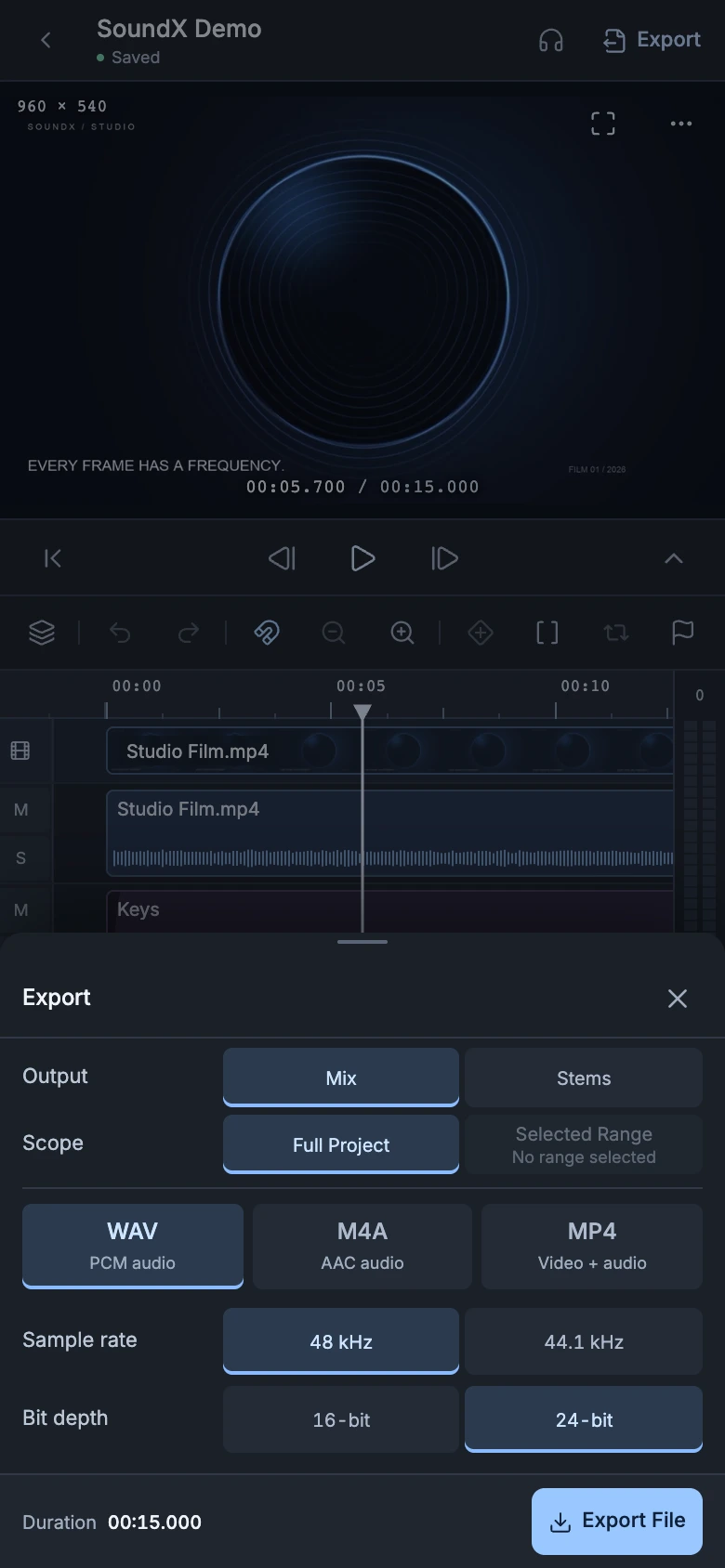
Save the mix as WAV or export the video with its new soundtrack as MP4.
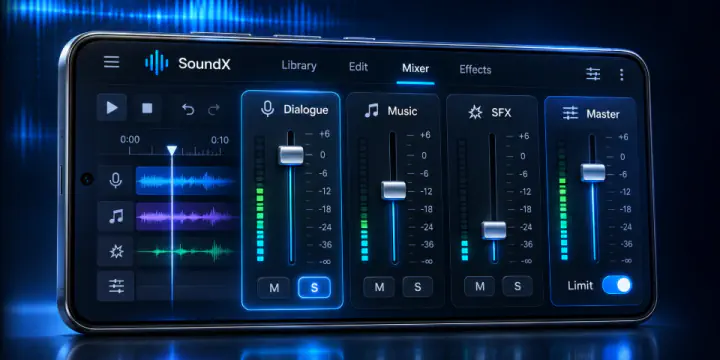
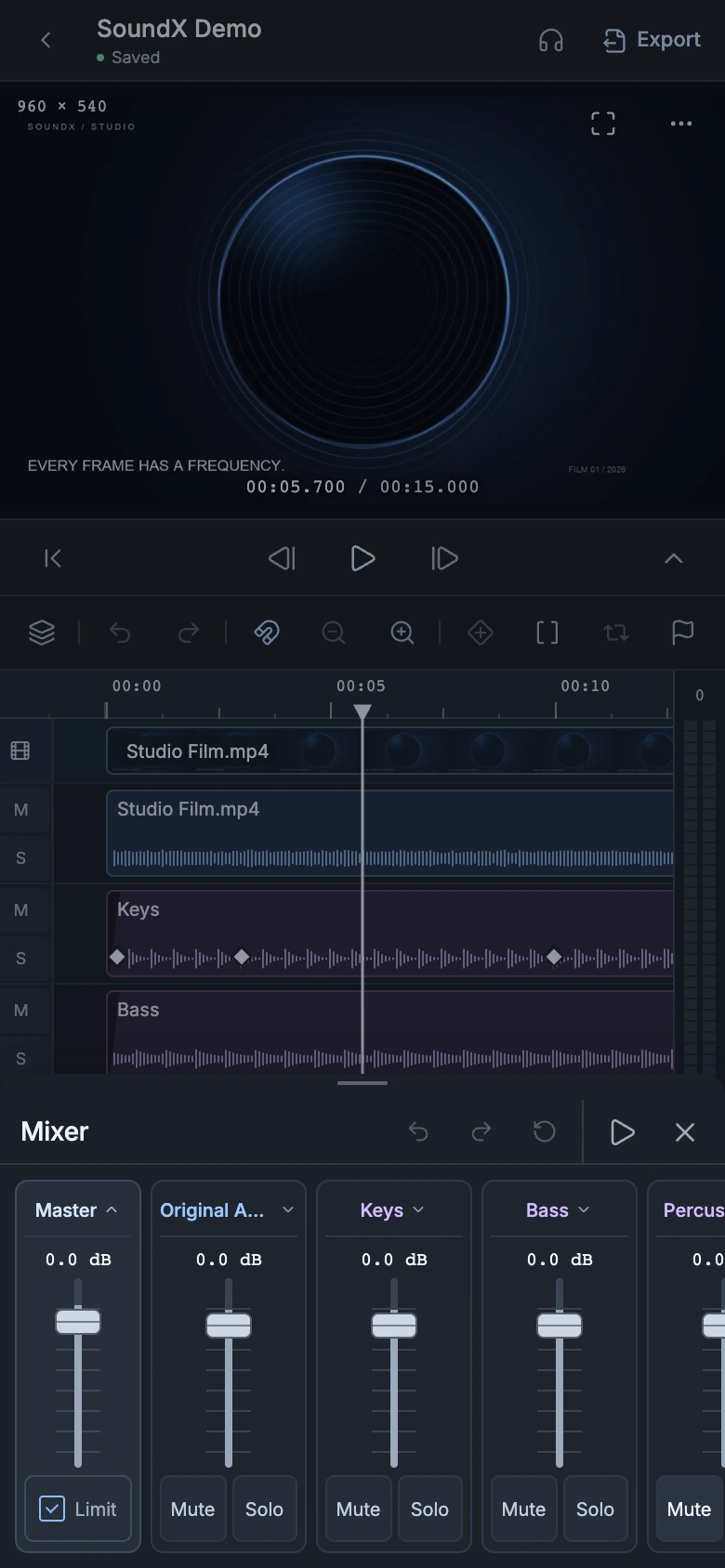
Adjust, mute or solo each track in the Studio mixer.
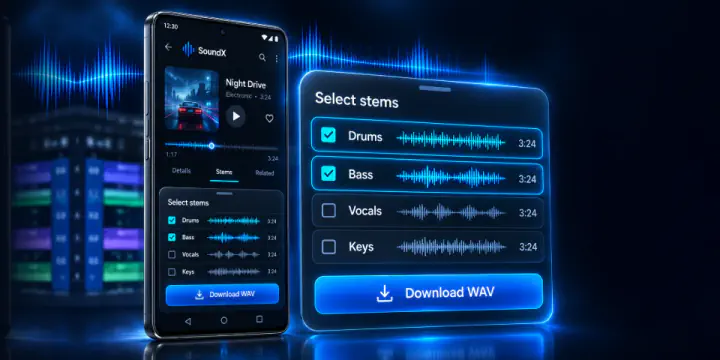
Get just the drums, bass, vocals or other layers you need as WAV files.
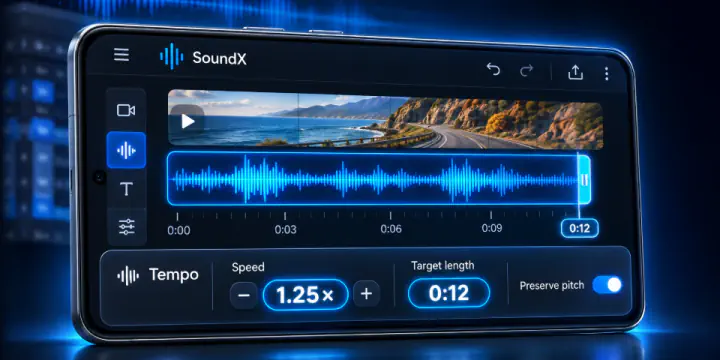
Change the clip’s speed while preserving its pitch.
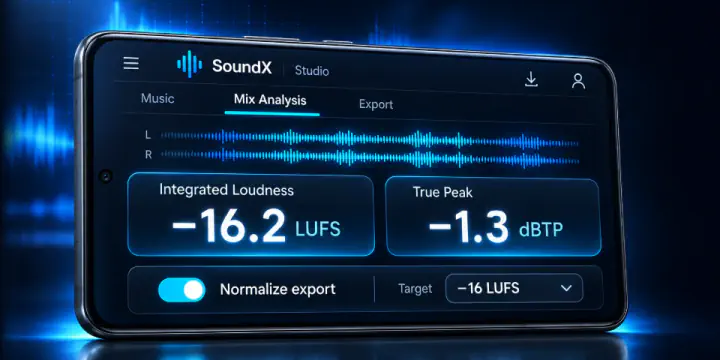
Measure LUFS and True Peak and set a target loudness.
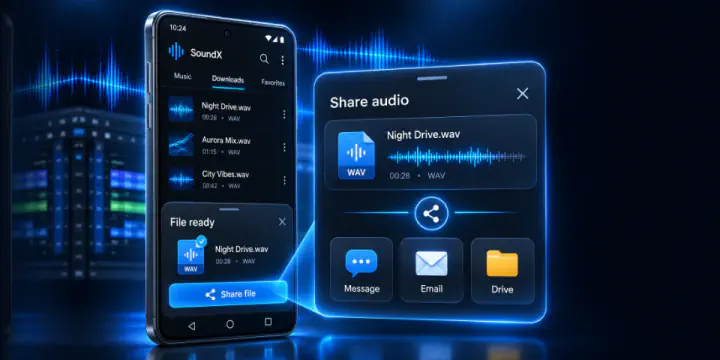
Send downloaded audio to another app from the Android share menu.
SoundX Studio
Open each step to see how the SoundX Demo goes from a video clip to a finished mix.
Search effects, music or stems inside Studio. Audition a camera shutter and add it where it belongs on the timeline.
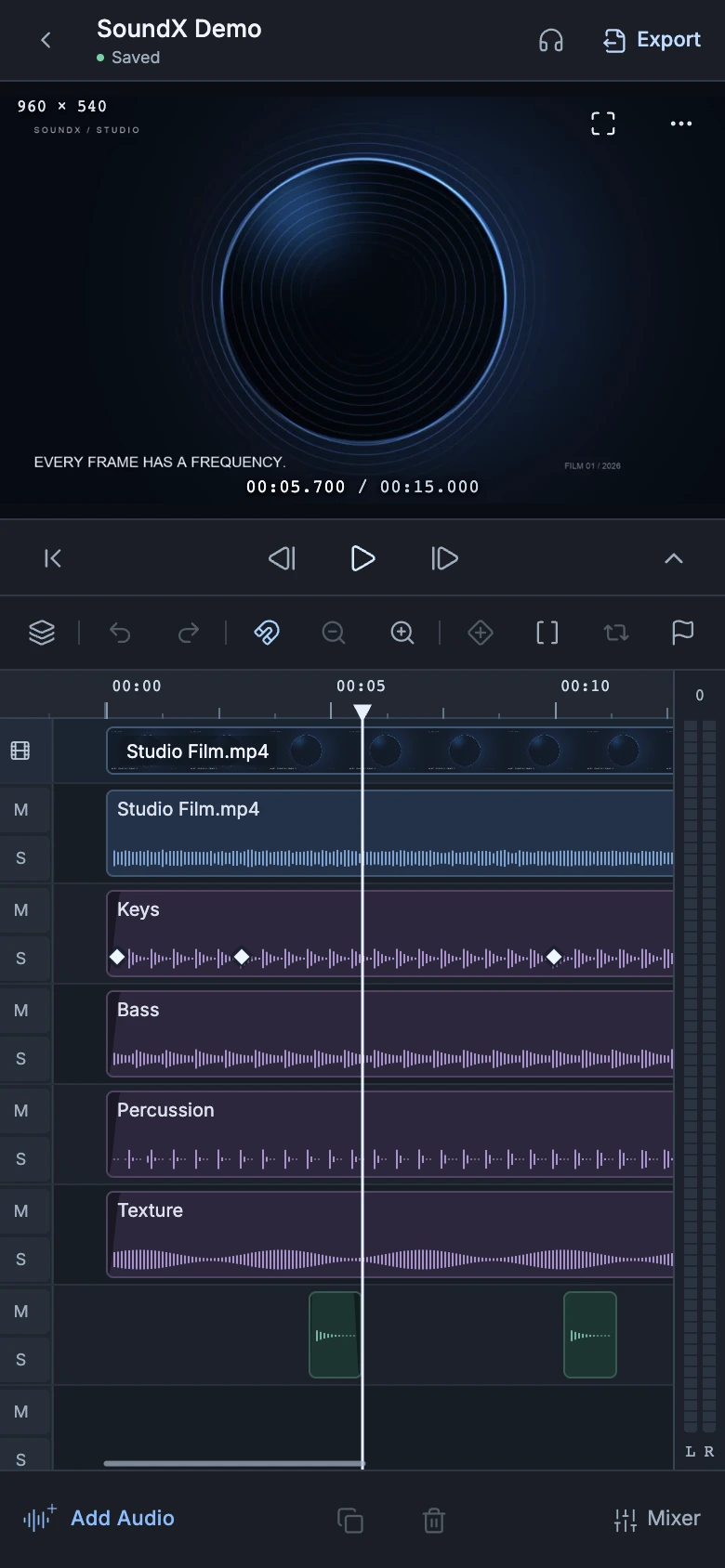
See the video above your audio tracks. Trim and move clips, align effects to the picture and automate volume or pan with keyframes.
Balance the video’s original audio, music and effects in the mixer. Solo a track to hear it on its own and check the stereo output.
Export the mix as a WAV file or save the video with the new soundtrack as an MP4.
Interactive demos
Switch between the original and the Studio export. Listen for the 50 Hz hum and watch it fade on the spectrogram.
Play a section of the Studio project and switch its music and effects on or off while it plays.
Studio Film
Mix sample
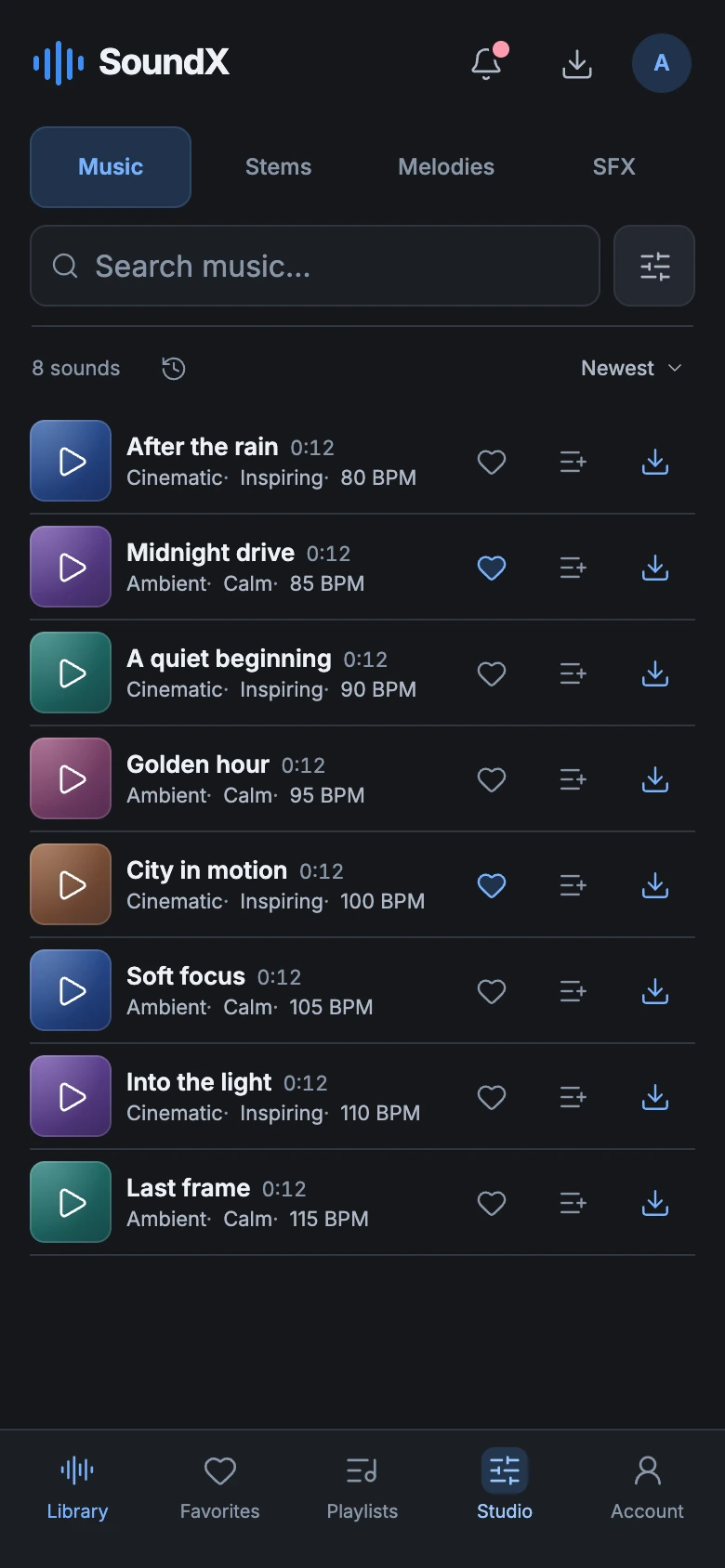
SoundX Library
Search and audition music, stems, melodies and effects. Save the sounds you want to come back to in favorites and playlists.
See the library inside Studio ↑SoundX for Android
991a27a8e6bb263b9d4330bfa3dcd93753b83a1f56f6950605f8ba9a49730431